MrCringe
Sound smart, get views but don't get caught.
No judgment. You want leads and followers. Just do it right.
Gain attention. Get impressions. Stay authentic.
LinkedIn comments that don't sound like AI.
100 rotating comment algorithms. Zero "Great post!" energy. Comments that blend in, not stand out.
Chrome extension. 30 second install. No Chrome Web Store needed.
Free tier: 20 requests per day. (Uses AI to generate comments, so we keep it fair.)
⚠️ Beta: Some UI bugs are possible. We're actively fixing things. Report issues and we'll fix them fast.
Save an hour a day
Right now you're switching between windows. Opening ChatGPT. Prompting it. Copying. Pasting into LinkedIn. Tweaking. Repeating. That's an hour every single day just to comment authentically.
With MrCringe, it's all in one box. Click. Generate. Copy. Post. 30 seconds, done.
The problem
Most AI comments get caught because they all sound the same. Same opener. Same structure. Same perfect grammar. LinkedIn's algorithm notices. People notice. You look like a bot. You lose trust.
How MrCringe is different
Generic ChatGPT
Same pattern every time. Recognizable structure.
Semantically powerful but sounds like a bot. Perfect grammar. Verbose.
Overly formal. No personality.
Detectable as AI. Algorithm gets flagged.
No natural punctuation, everything feels structured and rigid. Em dashes all over the place.
Emoji use feels forced and generic. Zero personality or strategy.
MrCringe
100 unique patterns. Never the same structure twice.
8th grade readable. Natural flow. Dropped apostrophes, casual shortcuts.
Real vibe. The kind of thing you'd actually say scrolling on your phone.
Secret sauce and genuine smile. Blends right in.
Strategic punctuation. Natural conversation flow.
Humor and emojis placed strategically for maximum trust and warmth.
Real Example
See the difference? ChatGPT uses the same "inspiring achievement" template everyone else uses. MrCringe? Sounds like a real person asking a real question. It gets replies because it feels authentic.
What it looks like
Click the MrCringe button, get a comment in 2 seconds. Copy and paste. Done. The UI is clean, fast, and stays out of your way.
How to use it in real world
Optimize your profile
Make sure your profile shows what you offer. Clear headline, good photo, compelling about section.
Find 20 profiles daily
Target profiles in your niche. Set notifications so you get alerted when they post.
Comment when they post
When the notification fires, go comment with MrCringe. Real, human-like, not spammy.
The secret: Early comments get 3-4x more visibility. Show up when they post, add real value with MrCringe, and they'll check your profile. That's how you get leads and followers.
Real wins with MrCringe
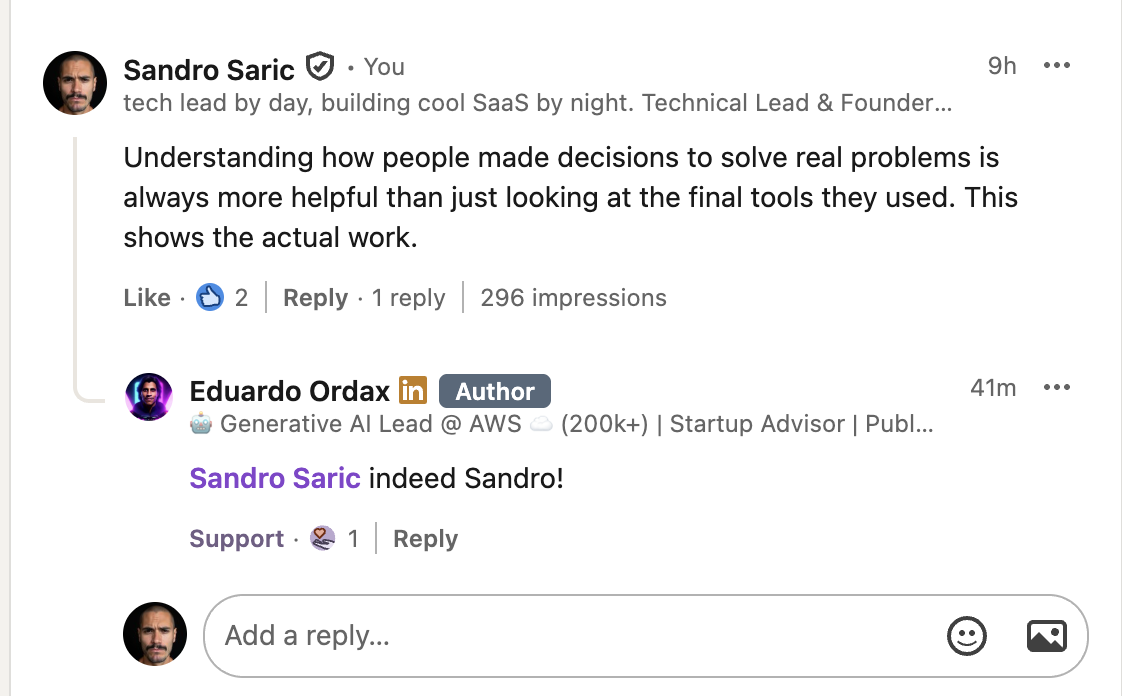
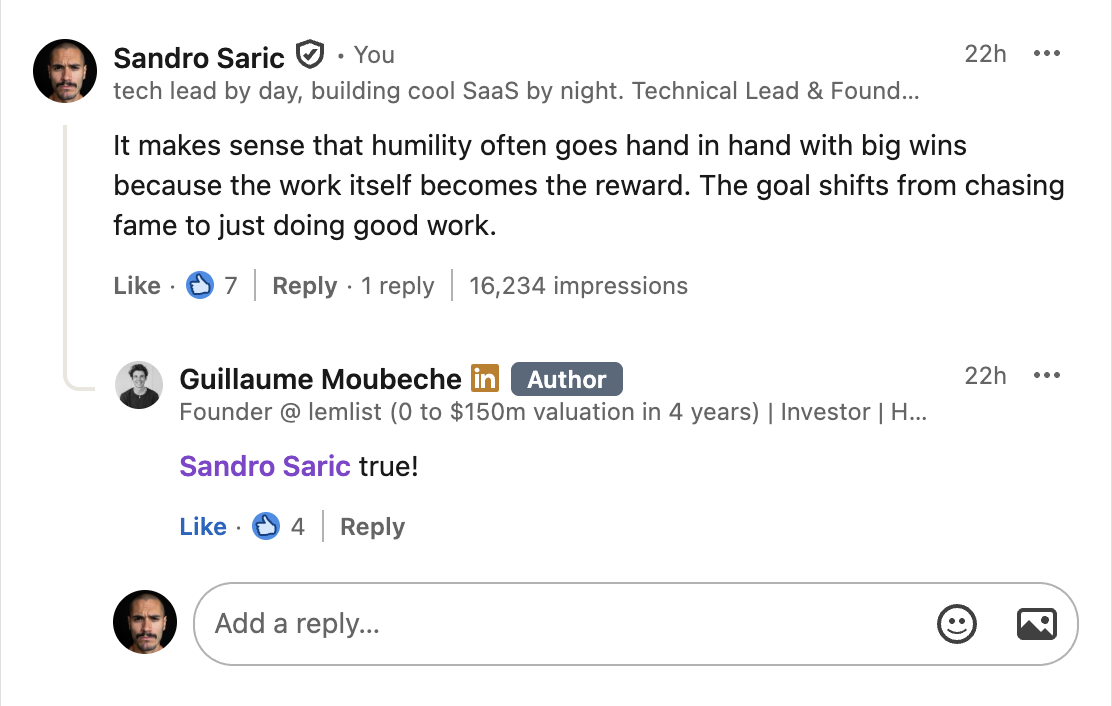
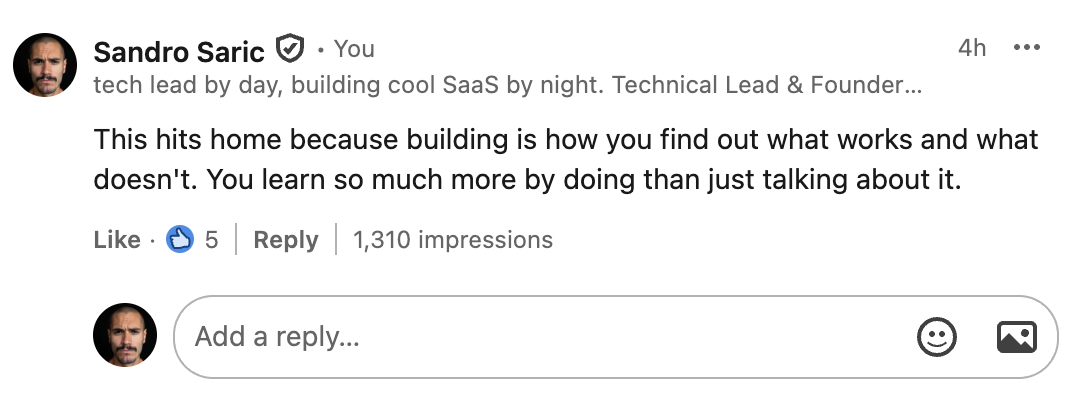
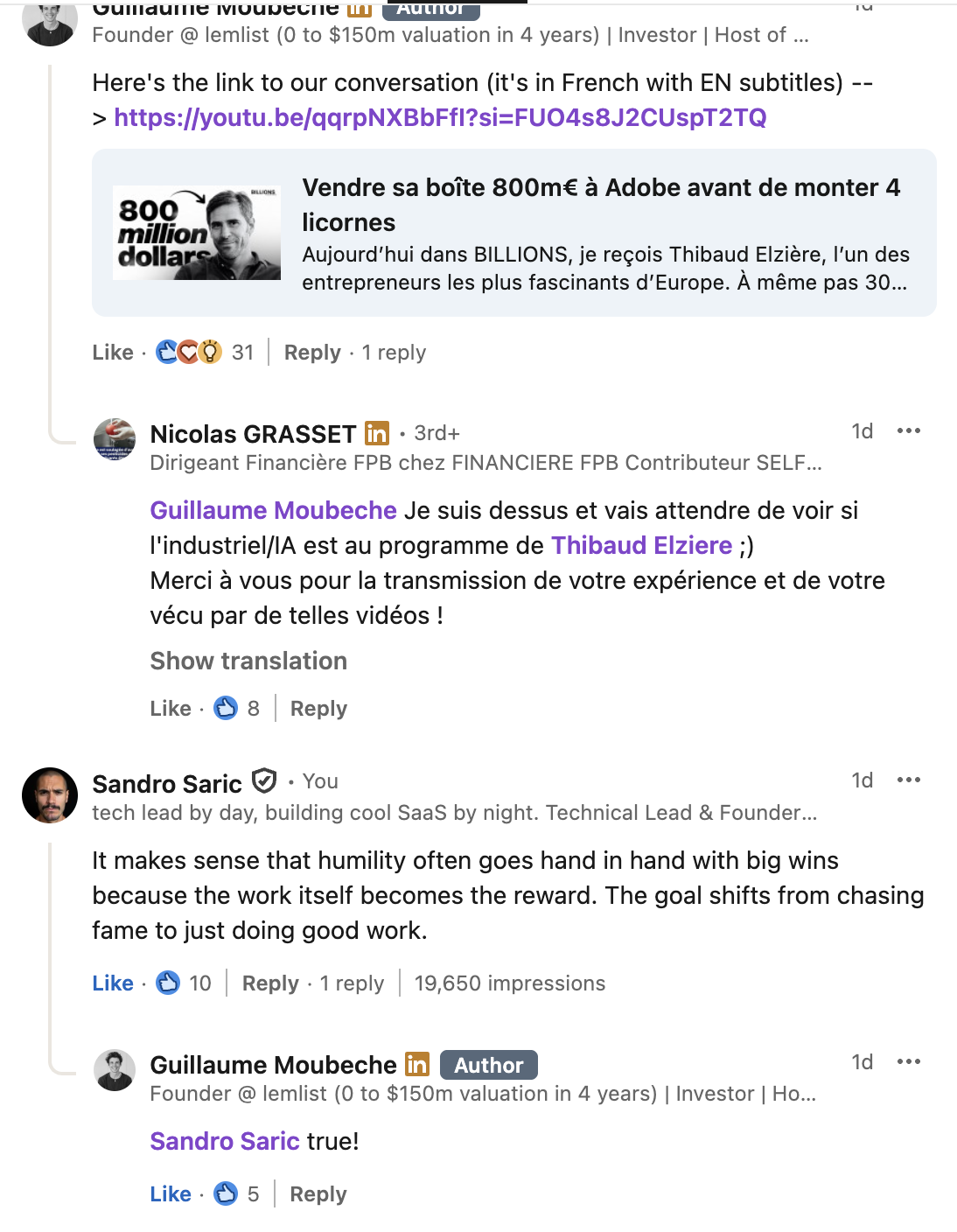
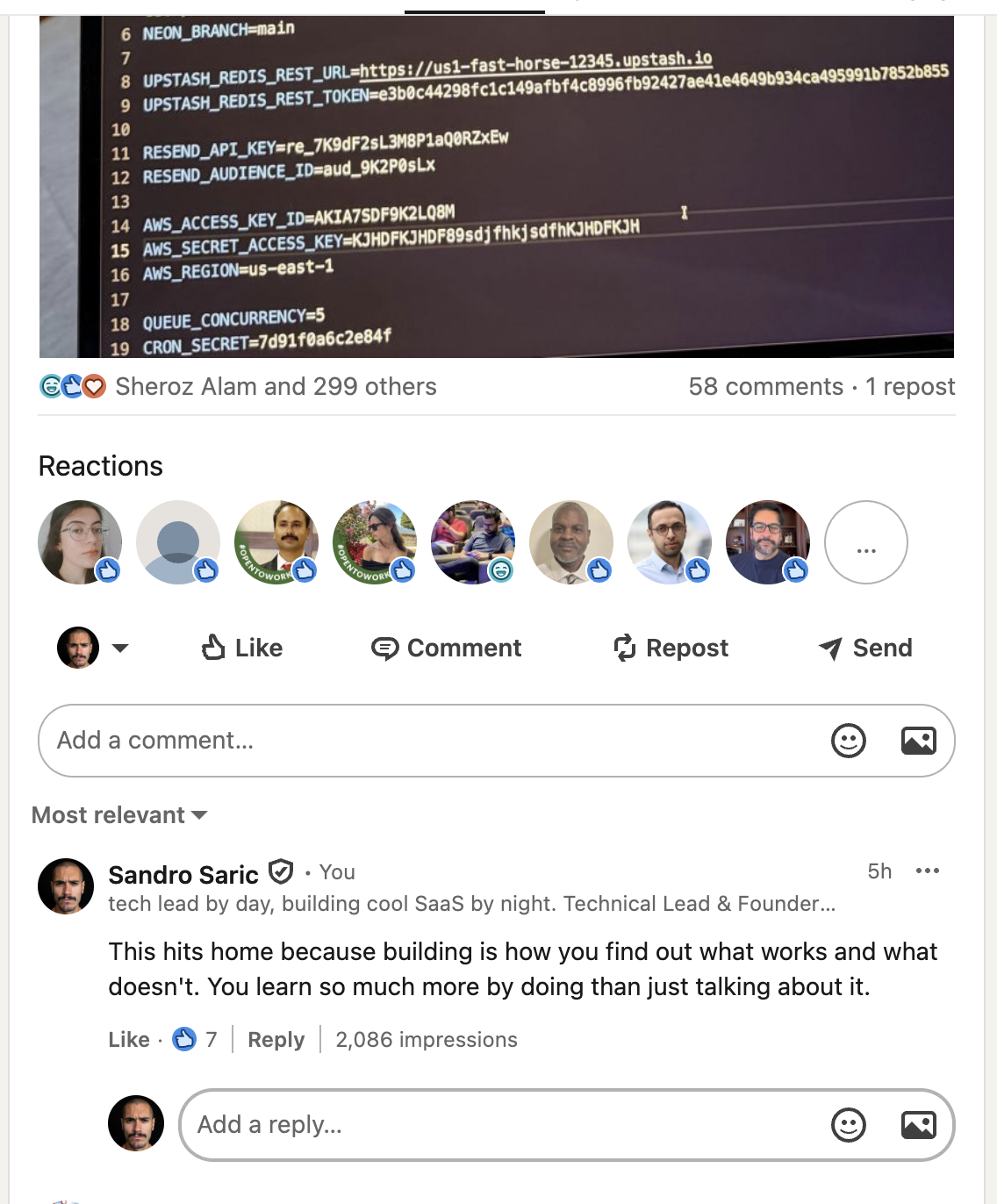
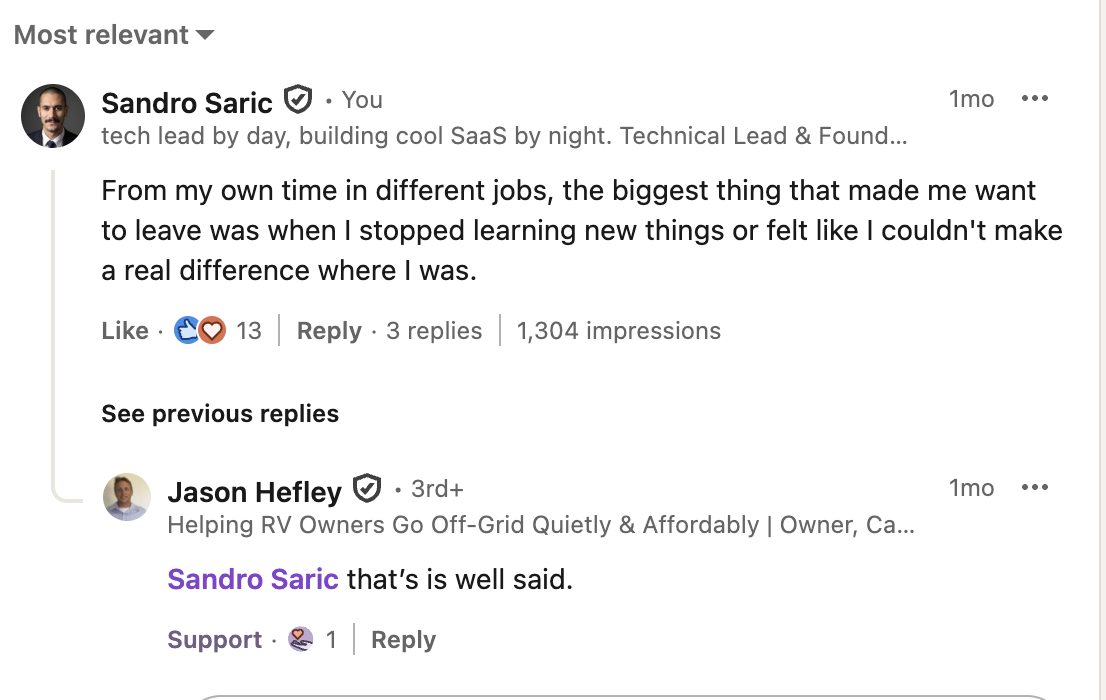
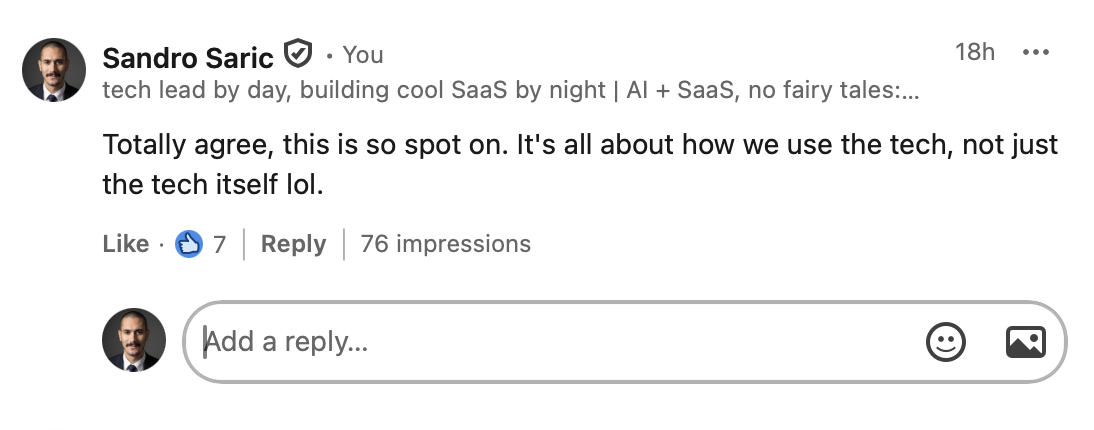
Comment types
Thoughtful questions, quick tips, respectful disagreements, new perspectives, micro-stories, sharp one-liners, practical extensions, controversial takes. You pick the vibe or hit random.
How it works
- See a LinkedIn post you want to comment on
- Click the MrCringe button
- Get a unique AI comment generated
- Copy, paste, done
Install on Chrome in 30 seconds
Click the download button above. Your browser will download mrcringe-extension.zip. This is the complete extension package.
Double-click the ZIP file to extract it. You'll get a folder named something like mrcringe-extension with the extension files inside.
Paste chrome://extensions into your Chrome address bar and press Enter. You'll see your installed extensions.
Look for the toggle switch labeled "Developer mode" in the top right corner of the extensions page. Click it to turn it ON. You'll see new buttons appear.
Click the "Load unpacked" button that appeared. A folder picker will open. Navigate to and select the unzipped mrcringe-extension folder.
You'll see MrCringe appear in your extensions list with a red icon. Pin it to your toolbar (click the puzzle icon, then the pin next to MrCringe). Go to LinkedIn and you're ready!
⚠️ Troubleshooting:
• Extension won't load? Make sure you selected the folder that contains manifest.json, not a parent folder.
• No button on LinkedIn? Refresh the page. If still missing, try reloading the extension from the chrome://extensions page.
• Getting an error? Check the extension's error logs in chrome://extensions (click "Details" on MrCringe).
Built by Sandro at sandrobuilds.com. No judgment. You want leads and followers. Just do it right.